


Hoopla: Your Library, Anywhere
4.784.58K Reviews
App Specs
- Version
- Varies with Device
- Updated On
- License
- Free
- Downloads
- 5,000,000+
- Developer
- Midwest Tape LLC
- Categories
- Books & Reference
- Platform
- Android, iOS
Screenshots
 Analysis by AppCompare
If you're a bookworm like me, you're always on the lookout for ways to access more content without breaking the bank. That's where Hoopla Digital comes into play. This app is a hidden gem for anyone who loves ebooks, audiobooks, music, movies, and even comics. And the best part? It's all free if you've got a library card.
What makes Hoopla worth considering is not simply that it gathers different kinds of media in one place. It gives library users a way to browse beyond the book shelf, so a person who opens the app for a novel might leave with a comic, an audiobook, or a film for later. I find that breadth most useful when I want a low-commitment way to explore something new rather than another paid subscription built around one kind of entertainment.
A library account is the key
The library connection is also the first practical question to settle. Hoopla is free to use, but access depends on having a participating library card; it is not a general-purpose free catalogue that works independently of a library. If you are new to it, check whether your library supports Hoopla and have your card details ready before planning a reading list or a trip around downloads. That small check can save a frustrating start.
There is another useful distinction from the usual ebook and audiobook services. A dedicated reading app is often the simpler choice if all you want is a focused place for books, while Hoopla makes more sense when you value variety and library access across formats. It can complement a book app rather than replace it: I would use a specialist reader for a long-term reading habit if its tools fit me better, then keep Hoopla for discovering titles and switching to other media.
What’s the Buzz About Hoopla?
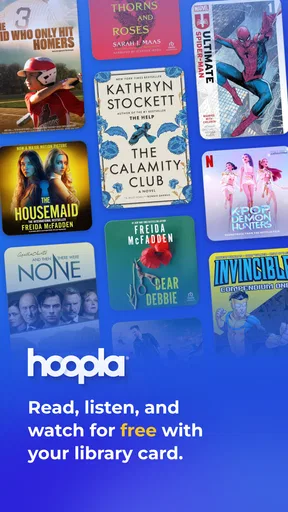
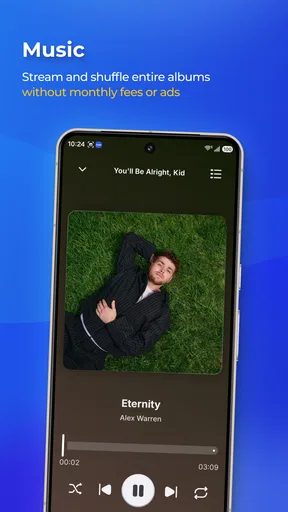
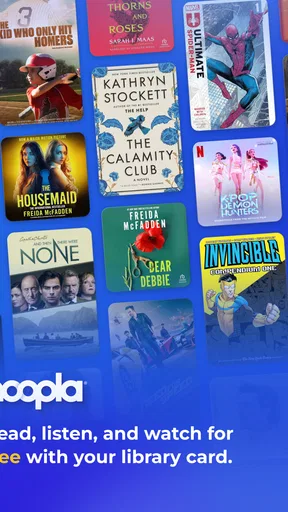
Hoopla Digital is like having a library in your pocket. With access to a massive collection of over 800,000 titles, the app lets you dive into all kinds of media. Whether you're chilling at home or on the go, Hoopla makes it super easy to download or stream your favorite content anytime.
Hoopla is a free Books & Reference app from Midwest Tape LLC. It has a 4.7 average from around 206,000 ratings, and more than 5 million installs, which suggests that plenty of library users have found a reason to keep it around. It is rated Teen, so parents should still look at the material itself and use the available parental controls rather than assuming every title is suitable for younger children.
Your Library, Expanded
One of the coolest features of Hoopla is its seamless integration with local libraries. Once you link your library card, you're good to go. No waiting lists, no late fees—everything is available instantly. It feels like magic, honestly. Imagine wanting to read the latest bestseller and being able to get it with just a tap. That's the power of Hoopla.
Worth Reading Before You Choose

Flipboard Shows What News Apps Must Do Beyond the Feed

Switching to Android Auto Means Rethinking Your Driving Routine

Google Calendar Makes a Crowded Week Easier to Manage

Ludo King Makes the Most of the Minutes Between Plans

Baby Panda World Brings Quick Play to Modern Phones, but Its Game Library Feels Busy

ESPN’s Live Game View Makes Following Close Games Easier
A useful way to get more from this library model is to browse by format as well as by title. If a book you hoped to borrow is not the right fit, searching for a related audiobook or comic can turn that moment into a worthwhile discovery instead of a dead end. I also treat the app as a sampler: a short comic or a music selection can be a better first test of a new genre than committing to a long book.
For a realistic everyday routine, imagine choosing an audiobook before a commute and a film for a quiet evening at home. I would check the title and format while connected, then download what I plan to use offline so I am not relying on a good connection later. This is especially handy for travel, but it also makes a simple backup plan for patchy reception. Downloads are convenient, though they do mean thinking ahead about which items are worth keeping on the device.
Easy Peasy Navigation
Using Hoopla is as easy as pie. The interface is clean and straightforward, which means you won't spend ages trying to figure out where things are. The search function is robust, helping you find exactly what you're looking for in seconds. Plus, you can create custom lists to organize your favorites, making it a breeze to pick up where you left off.
Custom lists can do more than store titles I already like. I find them helpful as a small planning tool: one list for books I want to read, another for listening, and perhaps one for things to try with family. That keeps browsing from becoming an endless scroll, especially when I am using Hoopla for several types of media. Search is best when I already have a specific title or creator in mind; for browsing, I would take time to explore categories and save promising finds for later.
Something for Everyone
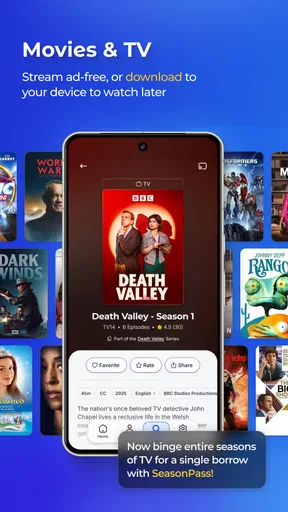
Whether you're into gripping thrillers, captivating documentaries, or soothing classical music, Hoopla's got you covered. The app caters to all tastes and ages, so there's always something new to explore. And with the ability to download content, you can enjoy your chosen media offline—perfect for long flights or road trips.
The breadth is a strength, but it can also make the app less ideal for someone who wants a single, carefully curated experience. If you mainly want the newest releases in one format, a specialist service may have a more focused discovery experience or fit your routine better. Hoopla’s appeal is the chance to use a library card across different interests, not a promise that every title you want will be available at the exact moment you search.
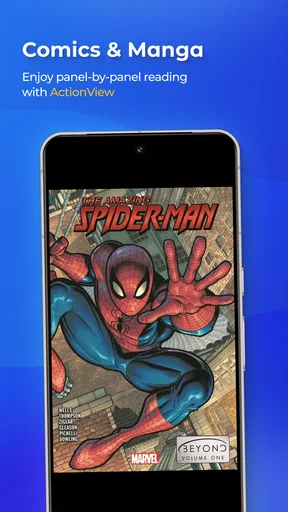
Another highlight? The comics selection is stellar. From classic caped crusaders to modern graphic novels, comic fans are in for a treat. It's like stepping into a comic book store, minus the price tag.
Comics and manga are particularly good for a short session: I can read a few pages while waiting for an appointment, then return to the story later. On a phone, though, the page layout matters. If small panels or lettering are uncomfortable to read on your screen, a larger tablet may be a better fit. That is a practical trade-off worth considering before choosing a long graphic novel for mobile reading.
The Little Things Matter
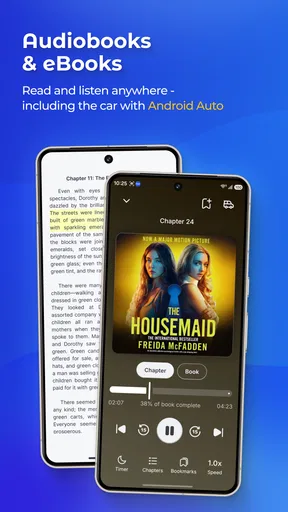
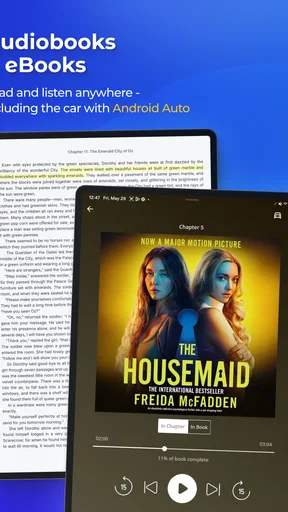
Hoopla isn’t just about content; it's about the experience. The app offers features like adjustable playback speed for audiobooks and the option to add bookmarks or notes. These small touches make your reading or listening experience more personalized and enjoyable.
For audiobooks, playback speed is a setting I would adjust gradually rather than immediately speeding everything up. A familiar nonfiction title may remain clear at a quicker pace, while fiction with a large cast or subtle narration can become harder to follow. Bookmarks and notes are useful when I want to keep track of a passage or resume with a thought in mind, but they are not a substitute for a dedicated study workflow if detailed annotation is central to how I read.
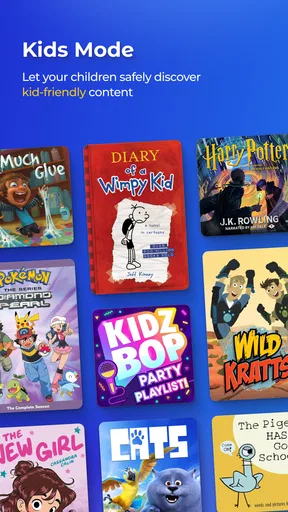
And let’s not forget the parental controls! They're a lifesaver for parents who want to ensure their kids access age-appropriate content.
Because the catalogue includes very different formats and audiences, I would make those controls part of the initial setup for a shared family device. They can help guide access, but parents should still choose specific titles with their child; a broad age label is not a personal recommendation. For an individual adult using the app, this is less of a deciding feature, but it adds practical value in a household where the same library account and device are used by more than one person.
In a world where subscriptions seem to rule, Hoopla is a breath of fresh air. It's a testament to the power of libraries and technology working together to bring us the joy of easy access to media.
That library-first approach is also the main limitation to keep in mind. Hoopla is not the right choice if you do not have access to a participating library, or if you would rather pay for a service whose catalogue and listening or reading habits are independent of a library card. It is also less compelling for someone who wants a tightly specialized app for one format. I would recommend it most to curious readers, audiobook listeners, comic fans, and households that will genuinely use more than one part of its collection.
So, if you haven’t already, give Hoopla a whirl. It's like a treasure chest of entertainment just waiting to be opened. Happy reading, watching, and listening!
My verdict is that Hoopla is most rewarding when I treat it as a flexible extension of the public library, not as a guaranteed replacement for every other media app. Its mix of reading, listening, and watching gives a library card more ways to be useful, while downloads, lists, playback controls, and parental settings support different routines. Start by confirming your library access, then try one format you already enjoy and one you have been meaning to explore. If that mix suits your habits, Hoopla can become an easy, no-cost stop whenever you want something new.
Pros
- Extensive library of audiobooks and comics.
- No late fees
- automatic returns.
- Offline access for convenience.
- User-friendly interface
- easy navigation.
- Supports multiple devices per account.
Cons
- Limited daily checkouts can be restrictive.
- Requires a library card for access.
- Streaming requires stable internet.
- Not all titles available simultaneously.
- Occasional app performance issues.
FAQs for Hoopla: Your Library, Anywhere
What is Hoopla Digital and how does it work?
Hoopla Digital is a digital media service that allows you to borrow movies, music, audiobooks, eBooks, comics, and TV shows to enjoy on your computer, tablet, or phone. With a library card, users can access various titles instantly without waiting lists. Content can be streamed immediately or downloaded for offline enjoyment.
Is Hoopla Digital free to use?
Yes, Hoopla Digital is free, but you need a valid library card from a participating library. The app provides access to a vast collection of media without any subscription fees. However, the number of items you can borrow per month may be limited by your library's policy.
Can I use Hoopla Digital offline?
Yes, Hoopla Digital allows you to download titles for offline use. Once downloaded, you can enjoy your borrowed content without an internet connection. This feature is particularly useful for users who want to enjoy media while traveling or in areas with limited internet access.
What devices support Hoopla Digital?
Hoopla Digital is compatible with a wide range of devices, including iOS and Android smartphones and tablets, as well as web browsers on PCs and Macs. Additionally, it supports streaming through devices like Roku, Chromecast, Amazon Fire TV, and Apple TV for viewing on television screens.
How many items can I borrow from Hoopla Digital monthly?
The number of items you can borrow each month varies depending on your library's settings. Typically, libraries set a limit to manage their budget, which can range from 5 to 15 items. It's best to check with your local library to know the specific borrowing limits applicable to your account.


